File Fields
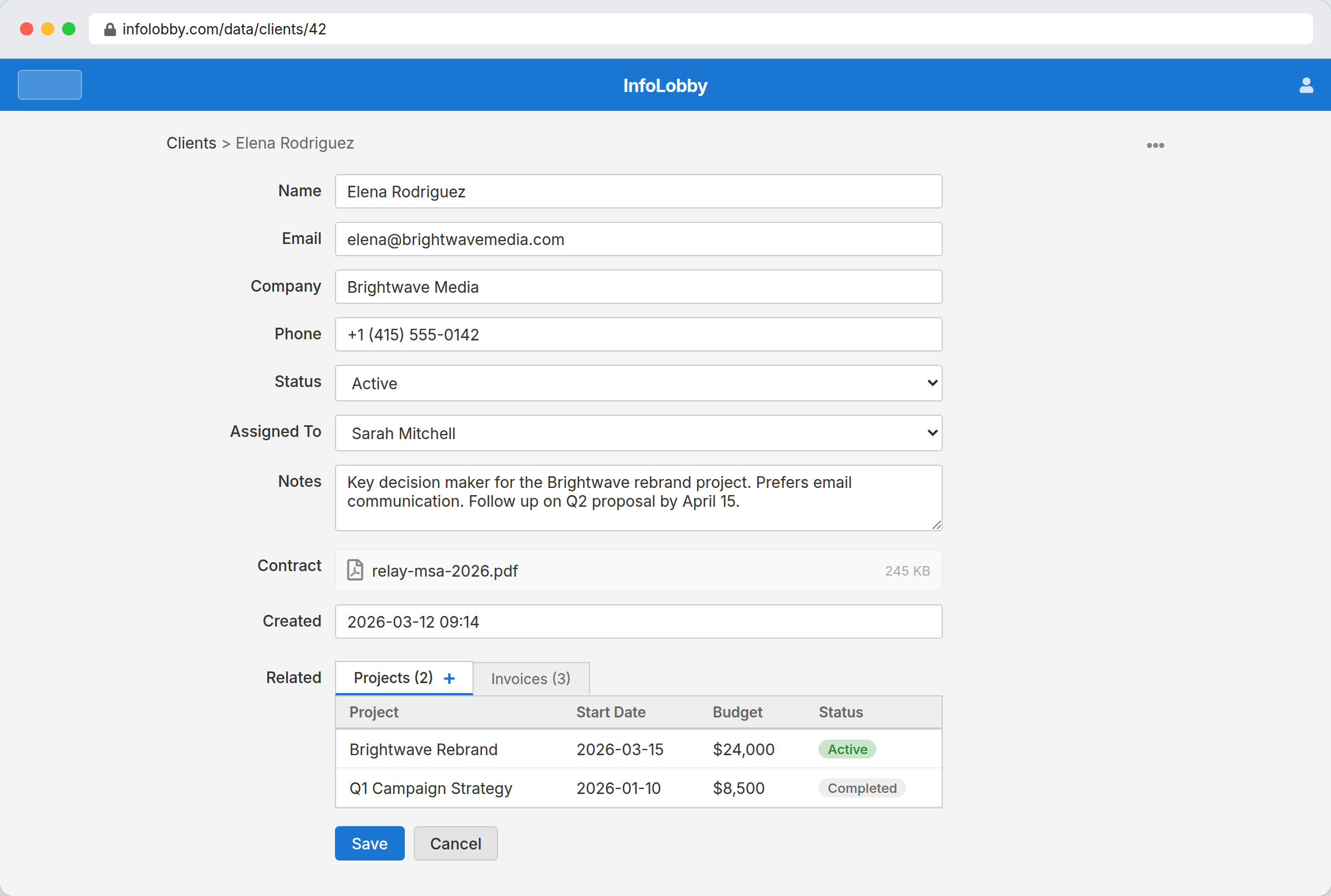
File fields attach documents, images, PDFs, and other files to records.
Storage
New accounts use managed S3-compatible storage. You can connect your own S3 bucket or FTP storage from integrations when needed.
Good uses
- Proposals and contracts
- Receipts and invoices
- Project images
- Uploaded files from web forms
Setting files from automations and the API
Automations and the public API can set a file field without a manual upload:
- Copy from another record — when an automation copies a file field from one record onto another (for example a "duplicate record" flow), InfoLobby makes an independent copy of the file. Each record owns its own copy, so deleting one record never removes the other's file.
- From a URL — provide a
urland InfoLobby downloads and stores the file. - From base64 data — provide raw base64 or a
data:URI.
If a file can't be fetched, decoded, or copied, the whole change is rejected so the record is never left half-updated. See the Files API for the exact shapes.
Images embedded in rich-text fields are handled the same way: when an automation copies a rich-text field from one record to another, each embedded image is copied so every record owns its own — deleting one record never breaks another's pictures.
Notes
File fields store references in the database and the file content in configured storage. Keep workspace storage configured before relying on file uploads.