Integrations
Integrations store connection settings for services you use in workspaces and automations.
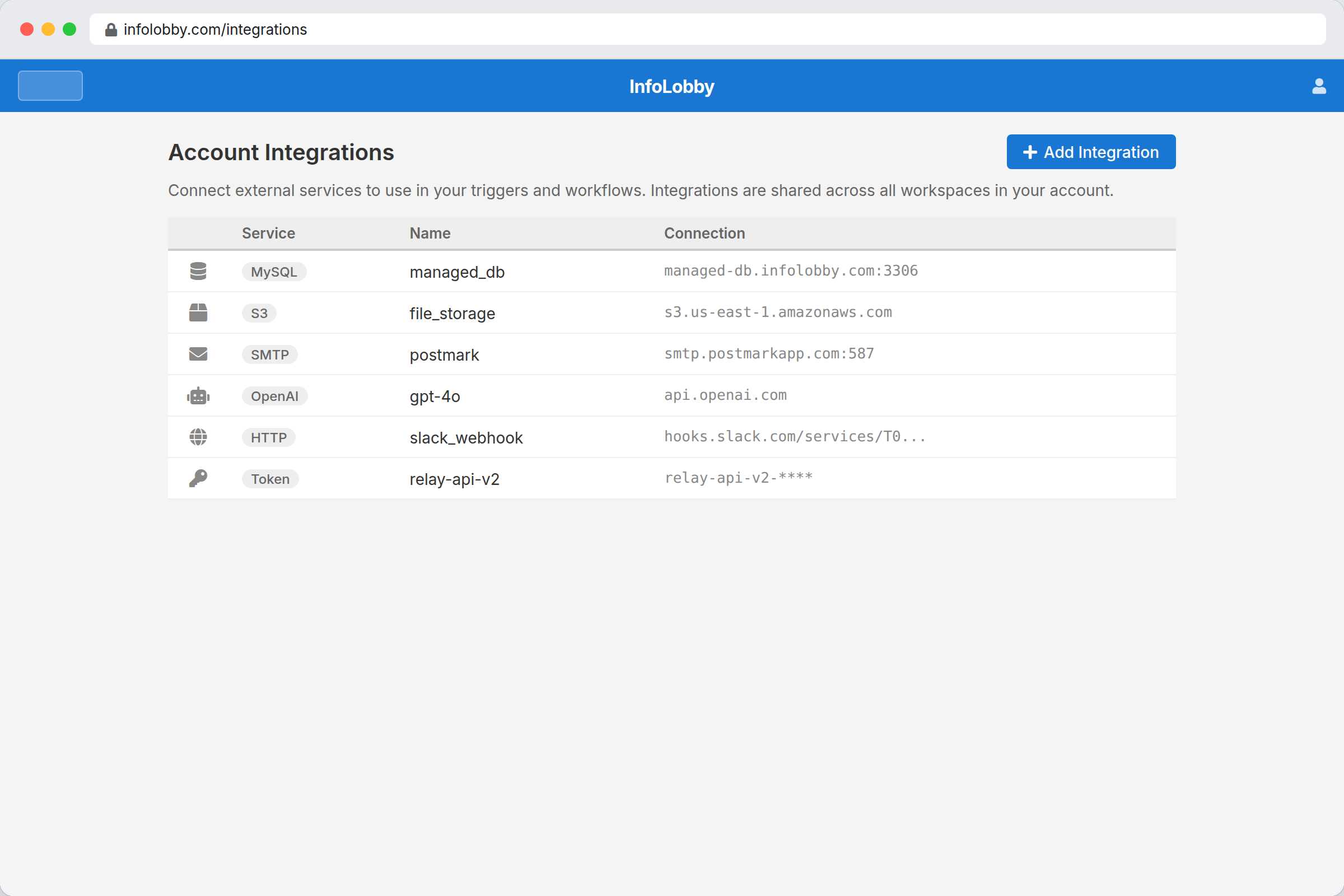
Available integrations
| Integration | Used for |
|---|---|
| MySQL | Bring your own database |
| S3 | Bring your own object storage |
| FTP | Store files on an FTP server |
| SMTP | Send email from automations |
| OpenAI | Use GPT and assistants in automations |
| HTTP Basic | Call APIs with basic auth |
| Bearer Token | Call APIs with token auth |
| OAuth2 | Call APIs with OAuth |
Connect MySQL
- Open integrations or database settings.
- Choose Add Server or Connect Database.
- Enter host, port, username, and password.
- Use Test before saving.
If the test fails, check firewall rules, remote MySQL access, host, port, and credentials.
Connection names matter. Automations refer to integrations by name.