Getting Started
New accounts include a managed MySQL database and managed file storage. You can build immediately, then connect your own MySQL, S3, FTP, SMTP, OpenAI, or HTTP services later.
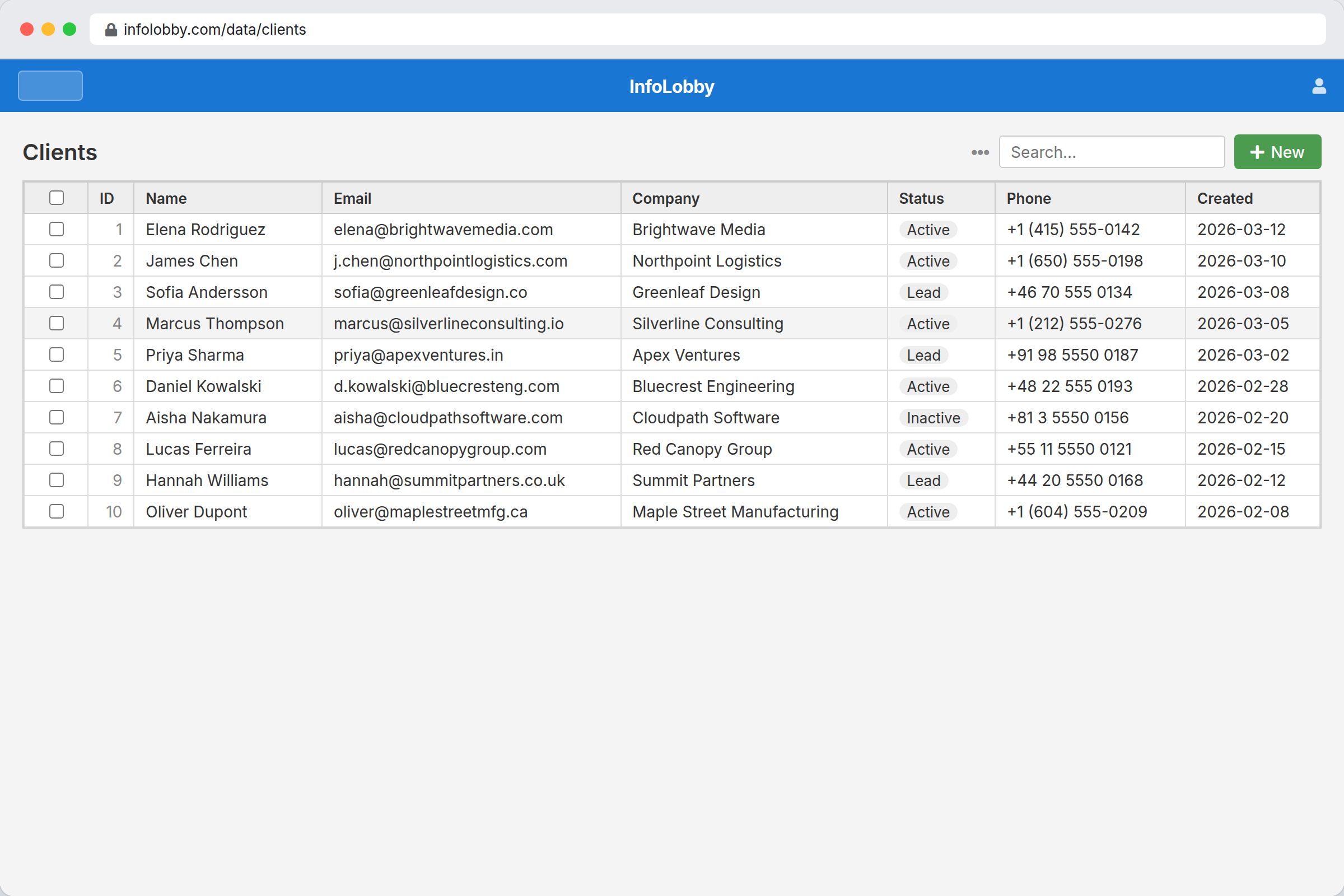
First workflow
- Open the workspace overview from the InfoLobby logo.
- Create a workspace for a business area, such as Sales, Projects, or Operations.
- Add a table. Use an existing database table or create a new one.
- Open the table to view records in the grid.
- Click + New to add a record.
- Configure fields and layouts when the form needs cleanup.
- Invite teammates from workspace settings.
Managed services
Managed database and storage are already connected. Use them unless you have a reason to bring your own infrastructure.
Bring your own services when you need existing production data, custom capacity, or company-managed credentials.